


















FLORA MCP

Use your agents to drive FLORA

Create assets, workflows, and work with all of your tools from Claude, ChatGPT, or Cursor.

+ChatCowork
Fable 5High
  1. Copy the FLORA connector URL

    You'll paste this URL into Claude in the next step.

    https://agents.flora.ai/mcp
  2. Go to Claude → Customize

    In Claude desktop or claude.ai, open Customize → Connectors. Name it FLORA and paste the URL.

  3. Sign in and start creating

    Opens Claude with the prompt ready — say what you want mocked up.

    Start creating

    Requires steps 1-2 completed first.

Filter by team

Our powerful library of skills

A skill reads your context and runs the end-to-end job, then hands back the finished output.

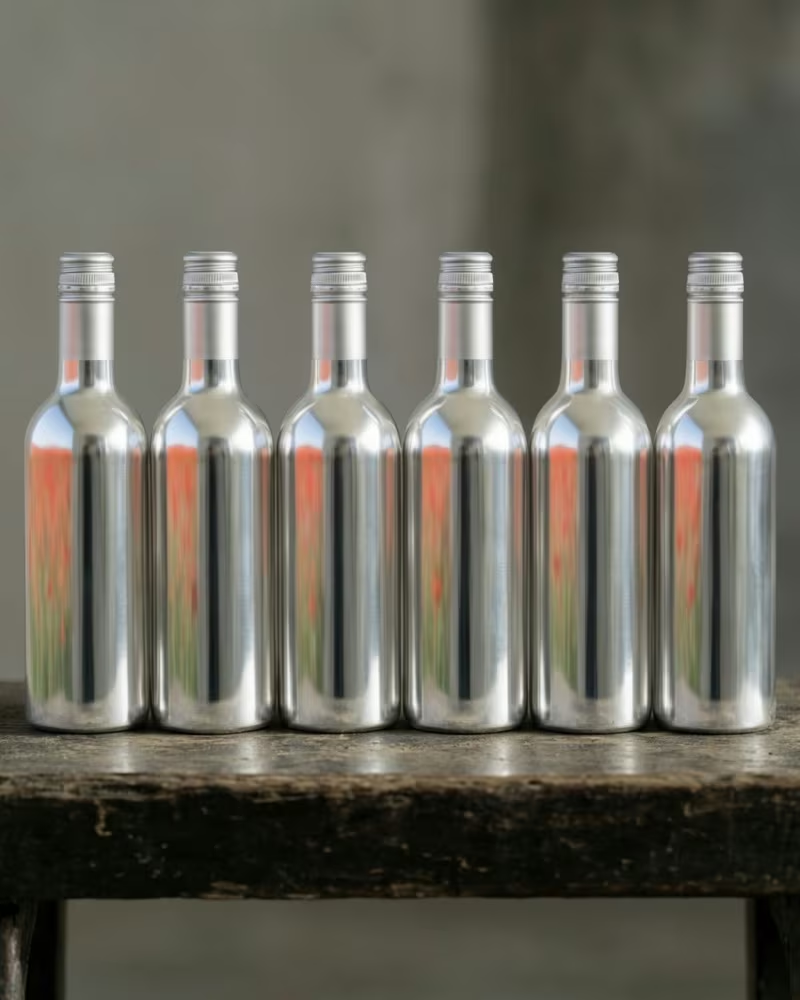
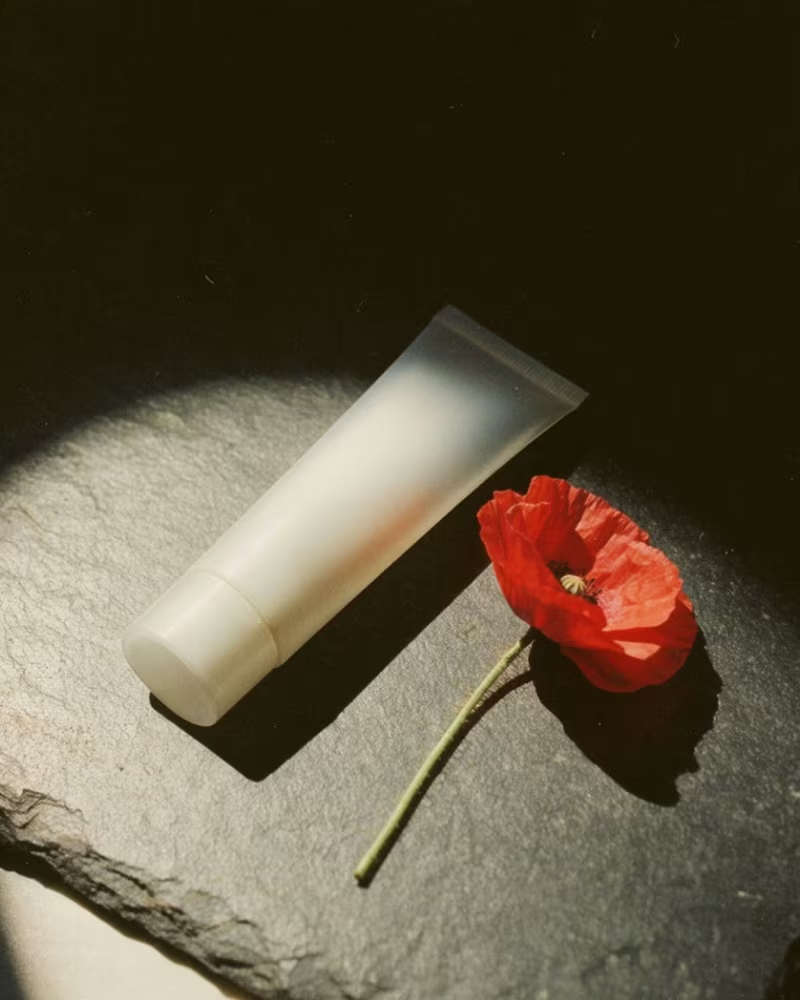
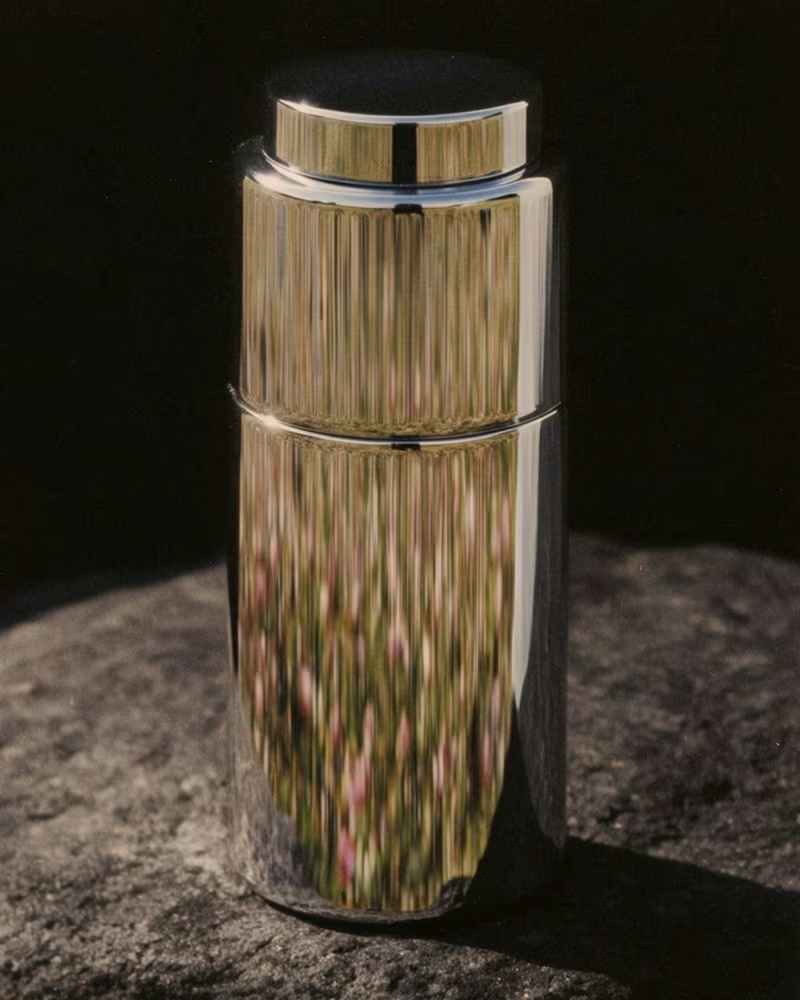
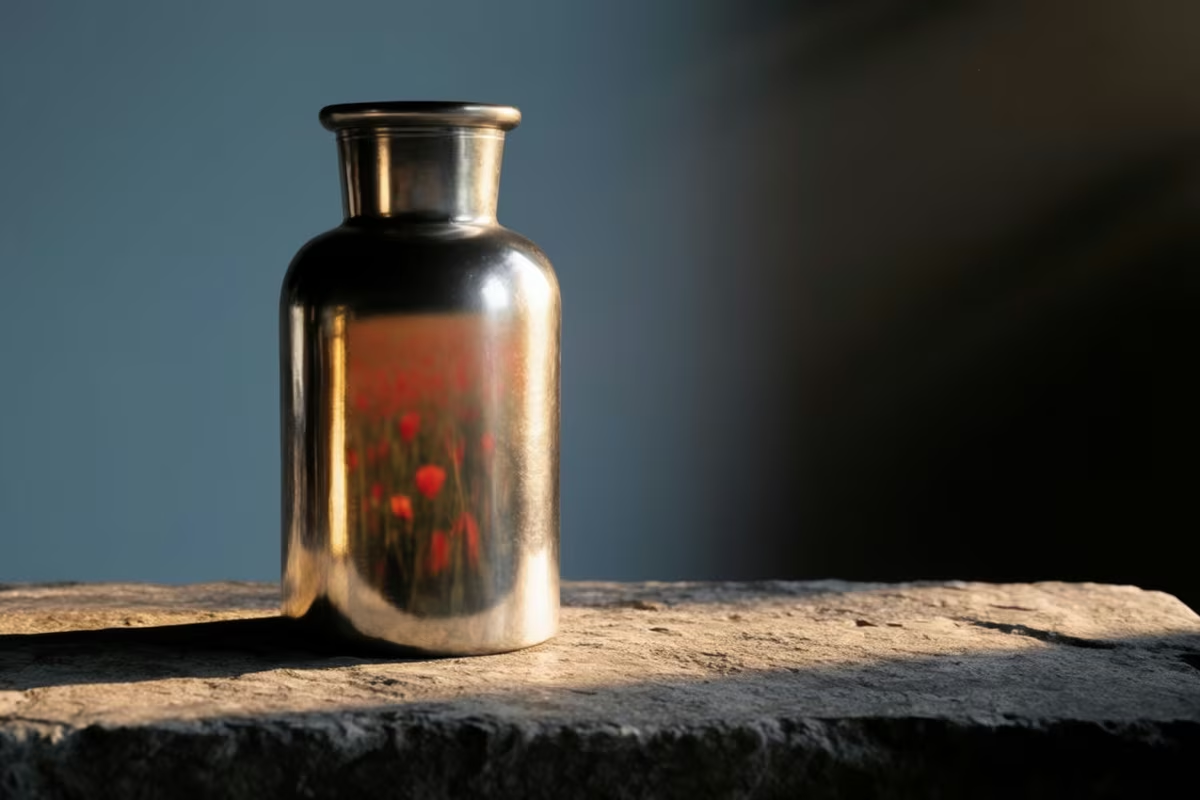
A blank silver bottle on rough stone, a poppy field in its reflection

E-commerce

PDP Creator

Hand it a product photo. Get back a shoppable product detail page set and a PDF.

Using the FLORA MCP, create a shoppable PDP asset set and an annotated PDF from this image: https://try.flora.ai/lp/mcp/source-product-bottle.jpg — a finished product shot, landscape orientation (3:2, 1200×800px).
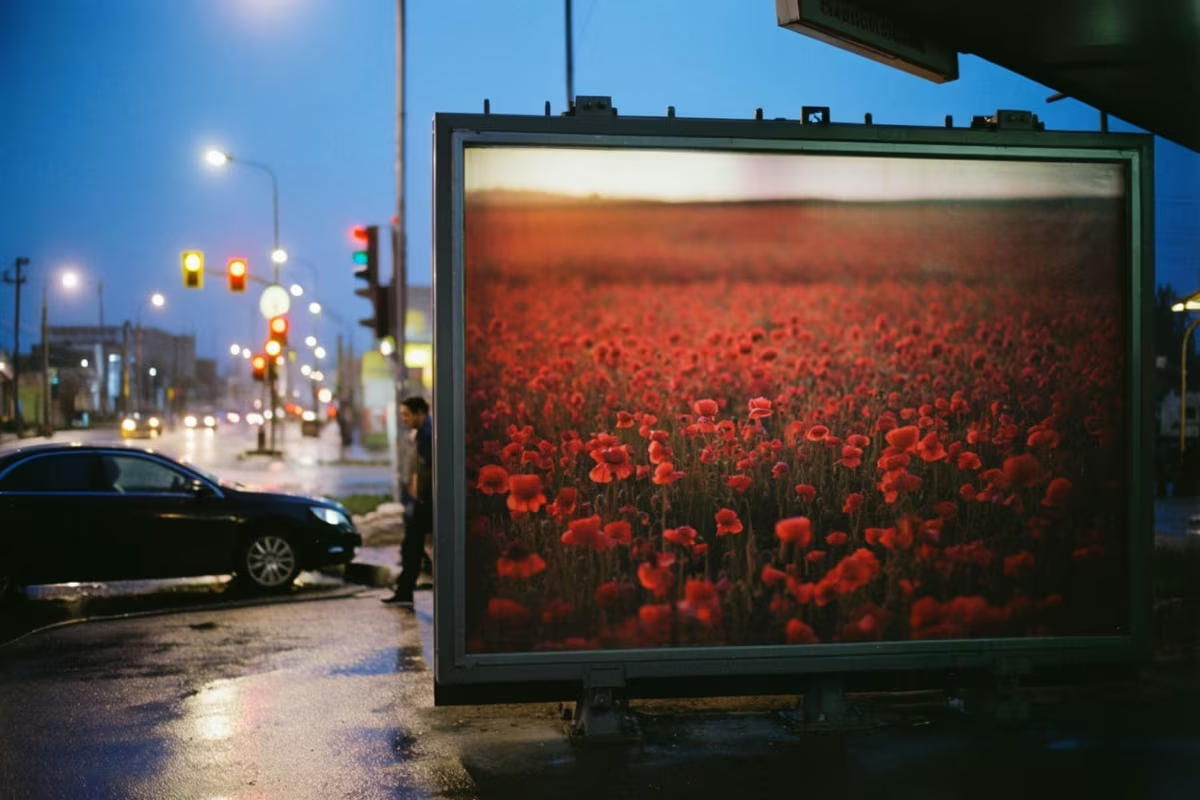
A backlit out-of-home panel running a poppy-field campaign at blue hour

Marketing & Brand

Campaign Mockup Maker

Hand it a visual asset. Get back a campaign deck.

Using the FLORA MCP, create a campaign deck from this image: https://try.flora.ai/lp/campaign-mockup-maker/bloom.jpg — a finished out-of-home poster design, portrait orientation (2:3, ~2352×3520px).
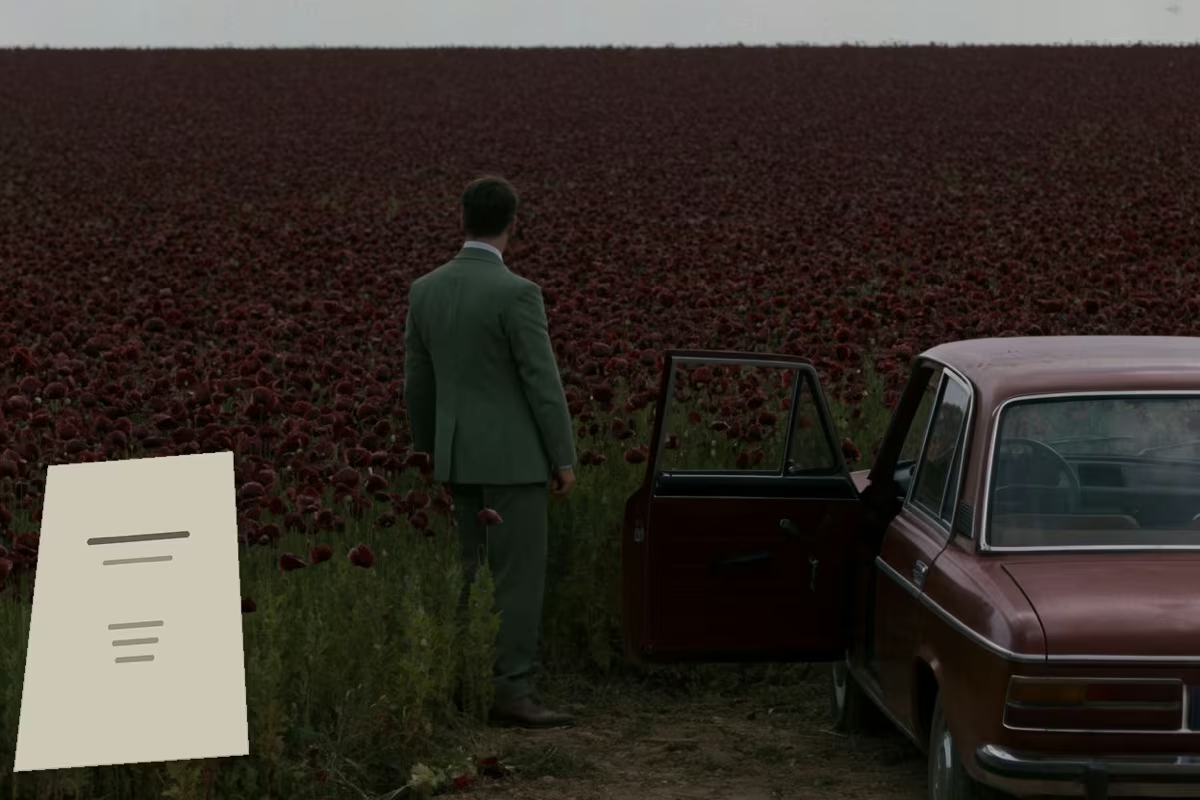
A film still of a sedan pulled over at a poppy field, a script title page in the corner

Video & Motion

Storyboarding

Hand it a script. Get back an ordered set of animated clips.

Using the FLORA MCP, turn [script or storyline] into a storyboard — build the shot list, then the keyframes, then animate the clips.
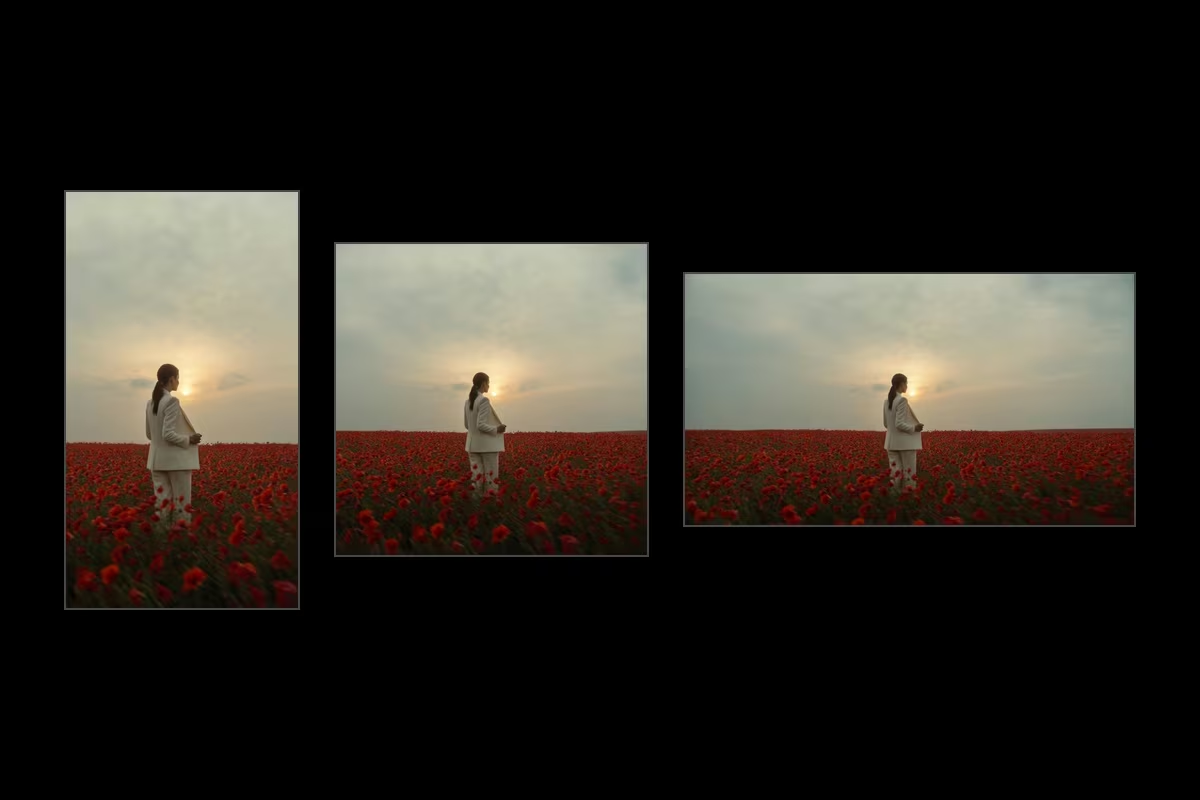
One photograph shown at 9:16, 1:1 and 16:9

Agencies & Production

Image Resizer

Hand it one image. Get back every placement's aspect ratio.

Using the FLORA MCP, reframe this image https://try.flora.ai/lp/campaign-mockup-maker/bloom.jpg to 9:16, 16:9 and 1:1 — hold the subject, props, palette and grade, and extend the scene into the revealed edges.
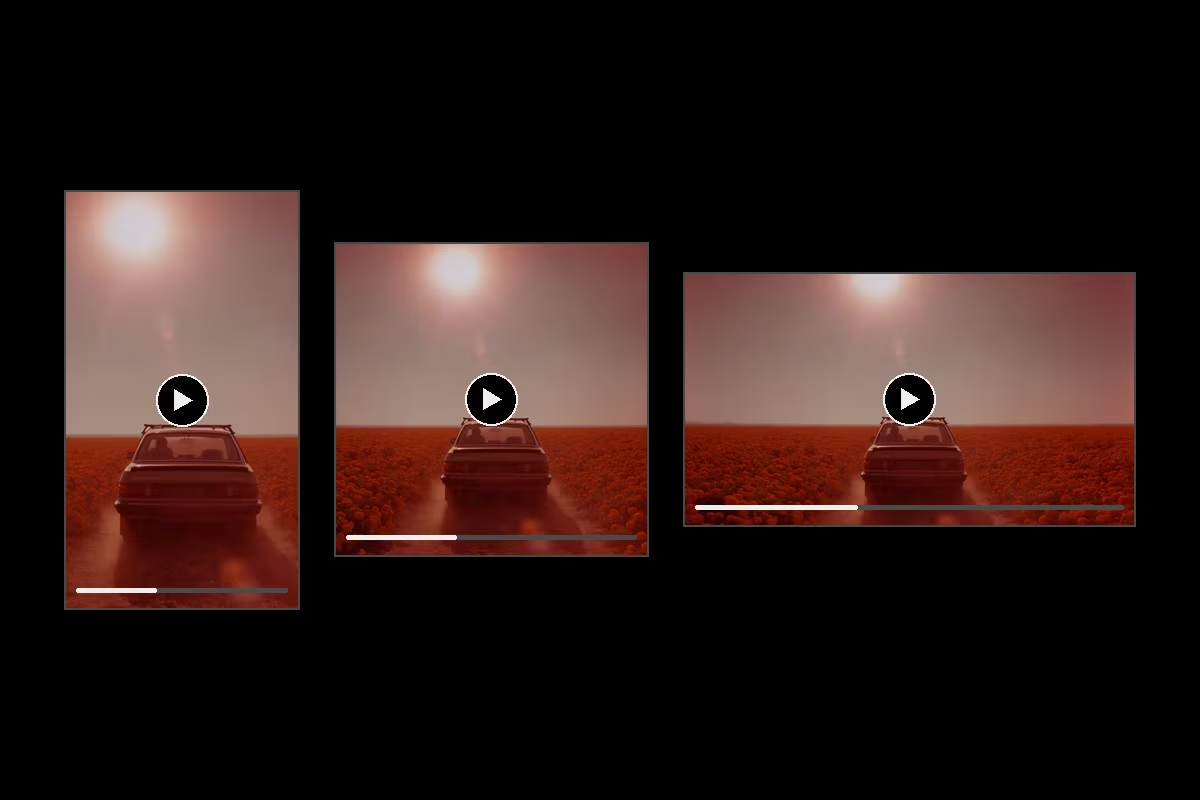
One cut shown at 9:16, 1:1 and 16:9, each with a play control

Video & Motion

Video Resizer

Hand it one cut. Get back every placement's aspect ratio.

Using the FLORA MCP, reframe the video in my [project link] to 9:16, 16:9 and 4:5 — keep the subject, camera move, grade and timing exactly, and generate only the revealed margins.
Six identical blank bottles in a row under one light

E-commerce

Batch Generator

Hand it a list. Get back one asset per row, in one style.

Using the FLORA MCP, generate one image per row of this [product list csv] — one consistent studio style across all of them, fired as a single batch.
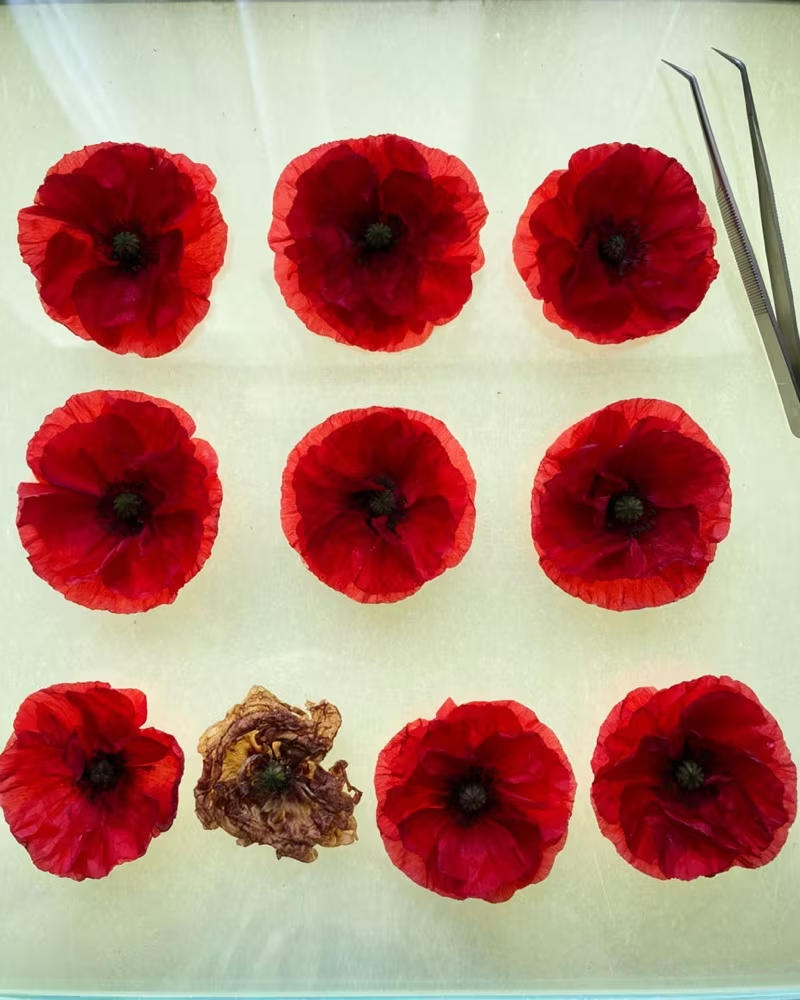
Nine poppies laid out on a light table, one of them wilted

Marketing & Brand

Brand Audit

Hand it a batch. Get back findings with severity, evidence and a fix.

Using the FLORA MCP, judge [10 to 40 images] against [brand guidelines PDF or 3 to 5 approved references] on palette, lighting, crop, lockups and output specs. Return one finding per problem with severity, evidence and a paste-ready fix.
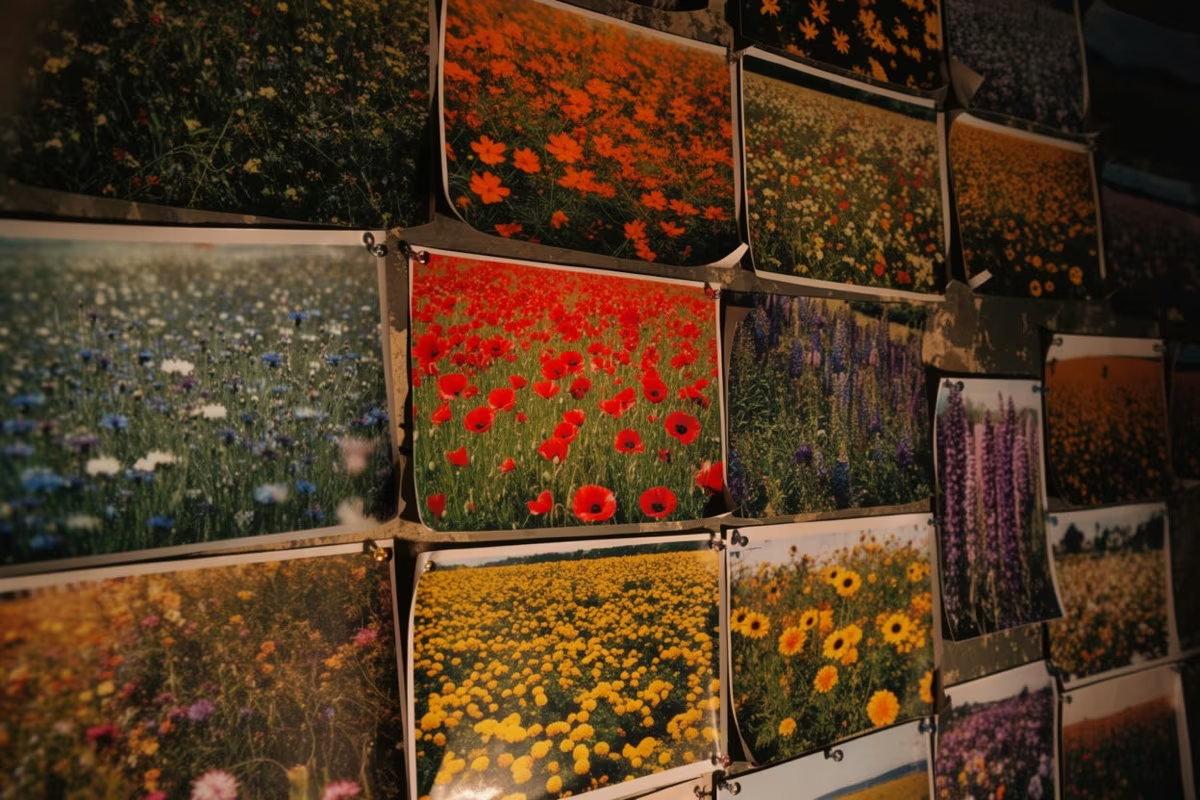
A studio wall pinned with prints of flower fields in different palettes

Fashion

Trend Board

Hand it a source list. Get back mood boards of what is actually moving.

Using the FLORA MCP, scan 3 to 10 trend sources — links, screenshots or a folder — for recurring visual signals, rank them by how fast they're spreading, and render the top four as mood boards with a one-line read on each.
A vintage CRT monitor in a poppy field, clouds reflected in its blank screen

Video & Motion

Motion Graphics

Hand it a screenshot or a logo. Get back real motion-graphics shots.

Using the FLORA MCP, animate [screenshot or logo] into a 5-second motion-graphics shot: 3D-tilted screen settling to face the camera while [headline text] staggers in. Return 16:9 and 9:16 with a clean end frame.

Create powerful workflows for your deliverable

A product shot built out into an ad visual

Agencies & Production

Product to Ad Visuals

One product shot becomes a full ad set

Using the FLORA MCP, take this product shot https://try.flora.ai/lp/mcp-preview/source-product-bottle.jpg and run Product to Ad Visuals — give me the full ad set in our brand's look, sized for paid social.
One look built out into campaign frames

Fashion

Outfit to Campaign

One look becomes a campaign

Using the FLORA MCP, run Outfit to Campaign on this [model shot]. Hold the garment exactly, build out the campaign frames, and give me a contact sheet.
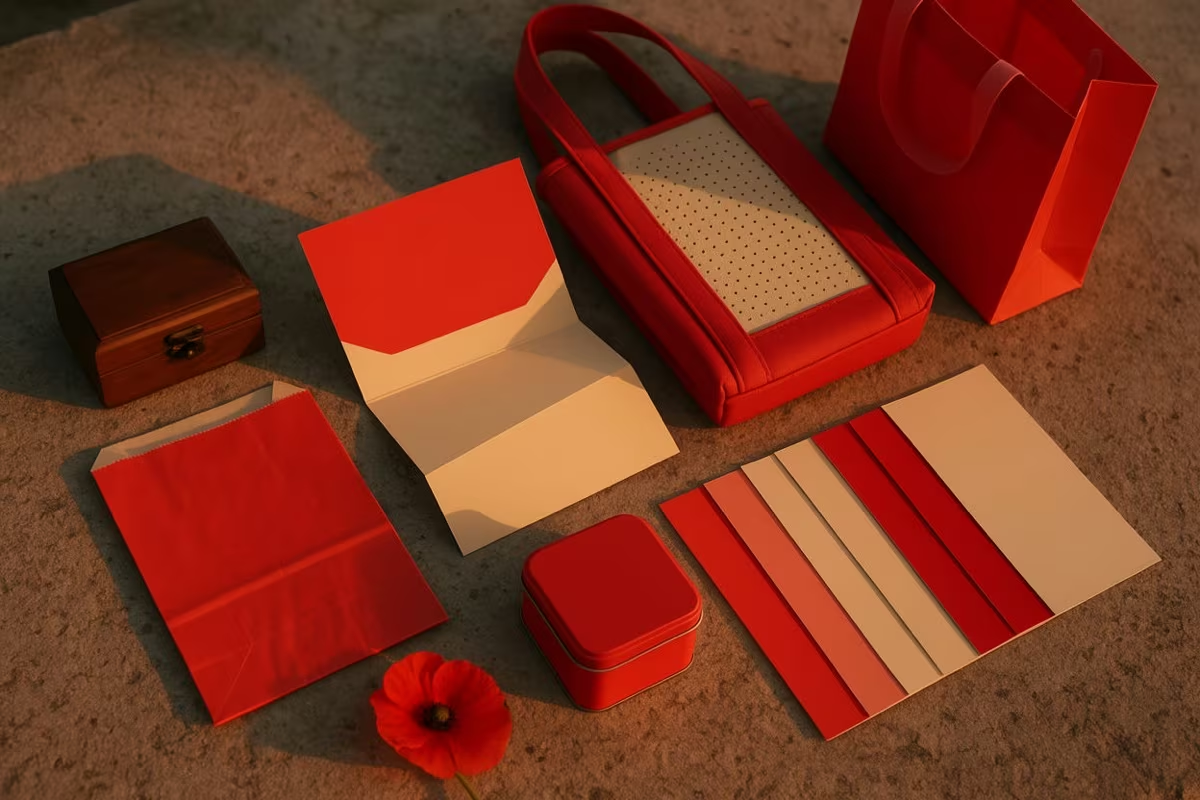
A brand system laid out as blank collateral in one palette, with a poppy

Marketing & Brand

Logo to Brand Identity

One mark becomes a whole system

Using the FLORA MCP, run Logo to Brand Identity on [logo] and build out the full system — palette, type pairing, and applied mockups.
Approved heroes relit to match a reference

Agencies & Production

Relighting

Approved shots, relit to match

Using the FLORA MCP, pull the approved heroes from [campaign or folder] and relight them to match [reference image], then write them back to the same folder.
Product stills alongside their motion cuts

Video & Motion

Product Visuals + Motion Kit

Stills plus the motion cuts

Using the FLORA MCP, run the Product Visuals + Motion Kit on [SKU or product shot] and give me the stills plus 3-second loops sized for IG.
A rough room layout turned into a render

Agencies & Production

Room Render

A rough space becomes a render

Using the FLORA MCP, turn this [room layout] into a photoreal render, then hold the same space across a day and a night version.
Browse them all

Bring your own tools into the loop

FLORA doesn't work alone — pull in a reference from Figma, a brand asset from Dropbox, a doc from Notion, and generate against it directly.

Figma + FLORA

Consistent storyboard frames

From your reference file.

Using the FLORA MCP, pull the reference frames from this [figma file] and generate matching storyboard stills — hold the same style across all of them.

Dropbox + FLORA

On-brand texture studies

From your brand assets.

Using the FLORA MCP, grab the brand deck from this [dropbox folder] and generate a texture study in that direction, straight into [project name]

Every tool your agent can call

Read

  • list_workspaces

    Browse your workspaces and the projects inside them.

  • search_techniques

    Find public, workspace, and private techniques to run.

  • list_models

    See every model available for image, video, and audio.

Generate

  • upload_asset

    Bring images, video, or audio in as references.

  • generate

    Kick off image, video, or audio generations on any model.

  • run_technique

    Execute a saved FLORA technique with your inputs.

Feedback

  • submit_feedback

    Your agent can flag rough edges back to the FLORA team.

Use your agents to drive FLORA